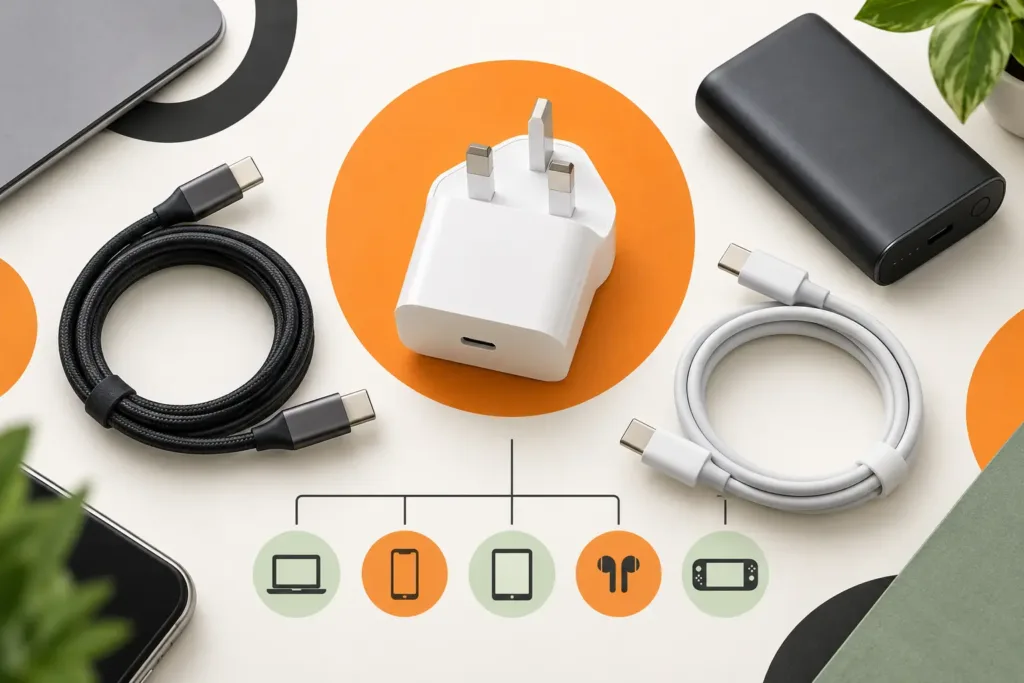
Buying accessories for a newly released iPhone can be confusing because similar-looking models may use different dimensions, camera openings, controls and charging requirements. This independent Tech Revive Bristol guide explains what to verify before buying a case, screen protector, cable, plug, car charger or power bank for the iPhone 18 range.
Start with the exact model
Use the complete model name shown on the original order or packaging. Pro, larger-screen and other variants can require different cases and protectors. A product described only as “for the newest iPhone” is not precise enough.
- Confirm the full model name and size.
- Check camera and control positions.
- Ensure the case does not obstruct speakers or charging.
- Ask whether the protector is case-friendly.
- Keep packaging until compatibility is checked.
Choosing a protective case
A slim case adds less bulk; a reinforced case usually provides more edge and corner protection. Raised edges can reduce direct contact with flat surfaces, but no case makes a phone damage-proof. For magnetic charging or mounting, check that the case supports the intended system.
Screen and camera protection
Tempered-glass protectors can reduce scratching and absorb some impacts. Correct alignment matters around sensors and the front camera. Camera-lens covers can affect image quality, flash performance or fit, so consider whether a raised case surround provides adequate protection.
Tech Revive can help with compatible protection at our phone accessories shop in Bristol. Call before visiting if you need a particular model.
Cables and power adapters
The connector is only one part of compatibility. Cable quality, supported power delivery and adapter output also matter. Use products carrying the required UK safety information, and stop using damaged, loose or unusually hot chargers.
| Accessory | Verify | Common mistake |
|---|---|---|
| Cable | Connector, data support and power rating | Buying one that fits but charges slowly |
| Power adapter | UK plug, USB output and suitable rating | Assuming the highest wattage is necessary |
| Wireless charger | Phone, case, alignment and power source | Using an incompatible case |
| Power bank | Capacity, output, ports and weight | Choosing capacity alone |
| Car charger | Socket, cable and combined output | Ignoring shared power between ports |
Accessory safety
Stop using a charger if the casing is split, pins are bent, the connection feels loose, or it becomes unusually hot or smells burnt. Do not charge on soft surfaces that trap heat. Keep connectors dry and never insert metal objects into a charging port.
When an accessory does not solve charging
If several known-good cables and adapters fail, the fault may be debris, port damage, battery condition or charging circuitry. Our charging-port repair Bristol page explains the diagnostic process.
Useful accessories for a new-phone setup
- A correctly fitted case and screen protector.
- A suitable charging cable and UK adapter.
- A second cable for work or travel if needed.
- A compatible car charger or power bank.
- A safe stand or mount that does not obstruct controls.
iPhone accessory FAQs
Will my old case fit?
Do not assume it will. Confirm exact model compatibility printed by the manufacturer or retailer.
Do I need the most powerful charger?
No. The phone controls the power it accepts. A reputable compatible adapter is more important than an exaggerated wattage claim.
Can Tech Revive fit a protector?
Ask the Bristol team about stock and fitting for the exact model before travelling.
Is Tech Revive Apple authorised?
No. Tech Revive is an independent retailer and repair specialist. Apple and iPhone names identify compatibility only.
Read our iPhone 18 preparation guide, browse available accessories online, or call 0117 302 1984.