
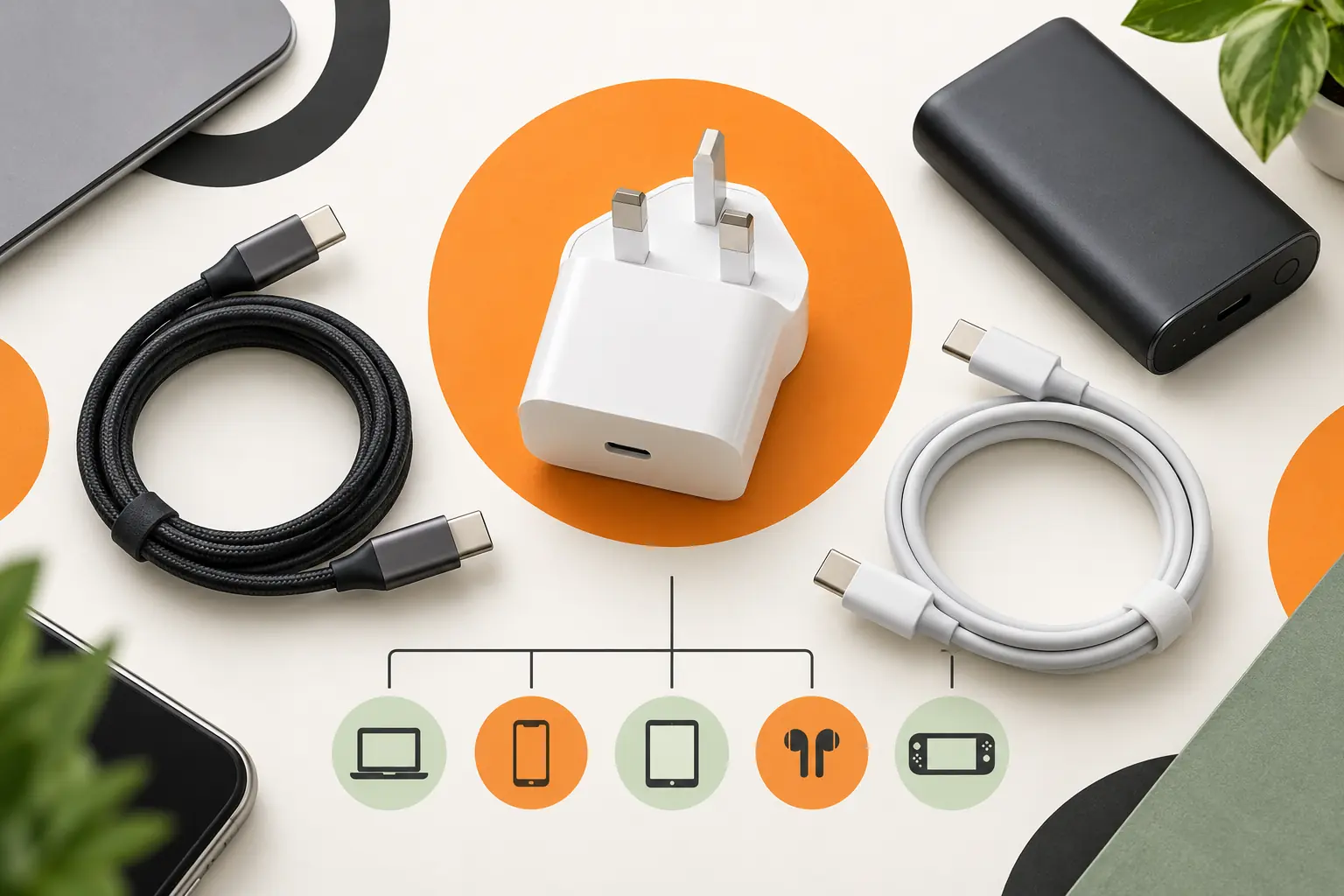
Two accessories can look almost identical and perform very differently. Connector shape, supported power, data speed and charging protocol all matter. This guide explains the questions to ask before buying a plug, cable, power bank or adapter.
USB-C is a connector, not one charging speed
USB-C describes the reversible connector. It does not guarantee a particular wattage, data speed, display output or fast-charging system. A basic cable may charge a phone but be unsuitable for a laptop, high-speed storage or an external monitor. Check both the device requirements and the accessory specification.
Match the charging standard
The device, plug and cable negotiate the charging rate. Many modern products use USB Power Delivery, while some manufacturers also use their own compatible fast-charging modes. A 65W plug will not automatically force 65W into a phone; a properly designed compatible system supplies what the device requests. However, an under-specified plug or cable can limit speed.
Choose a cable for the job
Check connector at both ends, cable length, supported current and intended use. Charging-only, data and video-capable USB-C cables are not interchangeable for every task. For a MacBook or higher-power laptop, use a cable rated for the required power. For an iPhone, confirm whether the device needs USB-C or Lightning and what connector is required at the plug end.
Power banks and car chargers
Capacity is usually shown in milliamp-hours, but usable output is lower after voltage conversion and efficiency losses. Also check port type, maximum output per port and total shared output. In a car, choose a secure, correctly rated adapter and avoid trailing cables that interfere with controls.
Cases and screen protectors require an exact model match
Small differences in camera layout, button position and screen dimensions mean that a case or protector for one generation may not fit another. Confirm the full device name and size. Ask about fitting when purchasing a protector in store; availability and any charge depend on the model and stock.
Headphones, adapters and storage
Check whether the device supports a 3.5mm connection, USB audio, Bluetooth or a specific adapter. For memory cards and USB storage, confirm capacity limits, file-system requirements and connector type. An adapter changes the physical connection but may not add a feature the device itself does not support.
Why buy accessories from a local technology team?
Compatibility mistakes waste time and money. Tech Revive carries a changing range of cases, protectors, plugs, cables, power banks, car accessories, audio, watch accessories, adapters and storage. At our Broadmead store, the team can check the exact model and intended use before recommending an available option. Product specifications still take priority, and third-party accessories are not manufacturer-made unless the listing explicitly says so.
Browse current accessories or contact Tech Revive Bristol with the exact device model and what you want the accessory to do.
Frequently asked questions
Does every USB-C cable support fast charging?
No. USB-C describes the connector shape. Cable power rating, charger capability, device support and charging protocol determine the available speed.
Can a higher-wattage charger damage my phone?
A properly designed compatible charger and device negotiate power, so the phone draws the level it supports. Use reputable, correctly specified equipment and replace damaged chargers or cables.
Why is my phone charging slowly?
Possible causes include an underpowered plug, unsuitable cable, heat, battery protection settings, port contamination, background use or a battery or port fault.
Can one USB-C charger power both a phone and laptop?
Possibly, if the charger and cable support the laptop’s required USB Power Delivery profile and wattage. Multi-port chargers may divide their total output when several devices are connected.
Are USB-C cables suitable for video and data?
Not all are. Some are designed mainly for charging or slower data. Check stated data speed and display support for monitors, docks and fast external storage.
How do I find the right case or screen protector?
Match the complete model name, generation and size. Similar-looking models can have different camera, button and screen dimensions.
How do I choose a power bank?
Compare capacity, port type, maximum output, total shared output, supported charging standards, size and safety information. Usable delivered capacity is lower than the headline cell capacity after conversion losses.
Can Tech Revive help check accessory compatibility?
Yes. Bring the device or provide its exact model number and explain what the accessory must do. Recommendations still depend on current stock and published specifications.